Skip to content

Chat with the agent (real LLM)

About this walkthrough

Estimated time: 3 minutes Tags: chat, agent, tools, llm

Send a prompt, watch the agent dispatch a tool call, and read the final assistant response. Exercises the full SSE streaming pipeline against the live OpenAI endpoint.

Trouble playing? Download the walkthrough video.

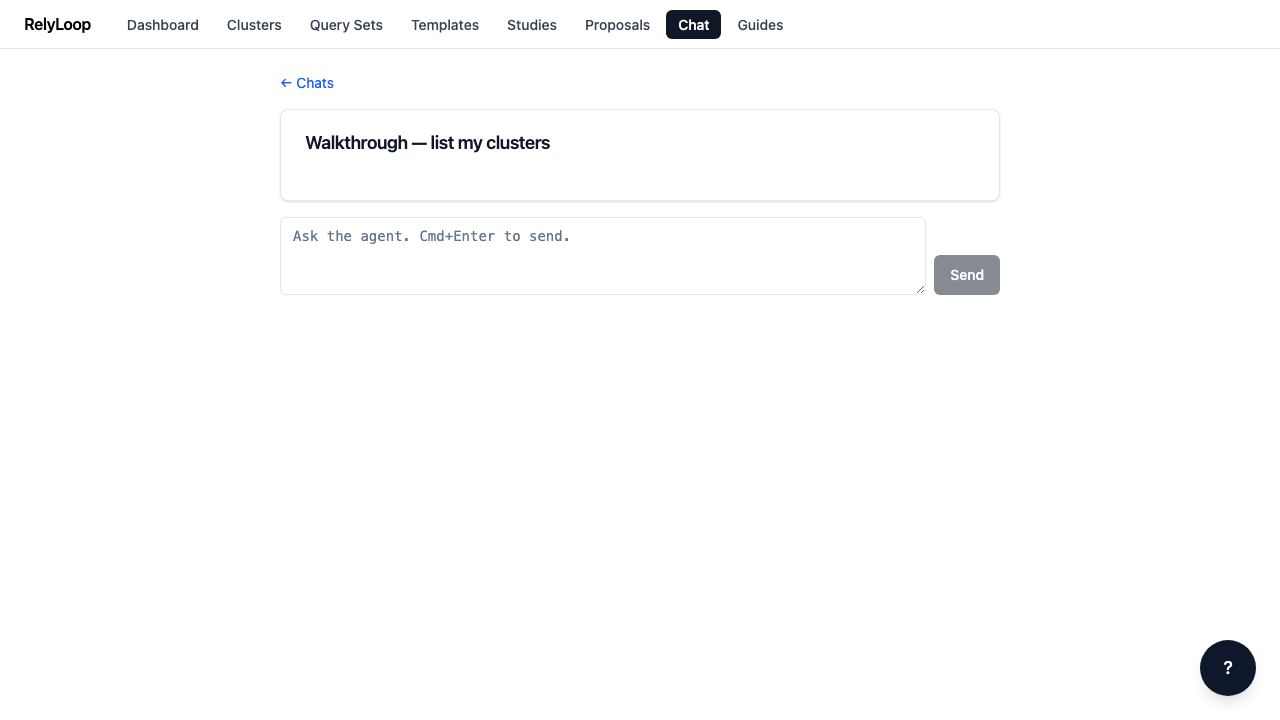
Step 1 — Open a chat conversation. The composer at the…

Open a chat conversation. The composer at the bottom is where you type messages. The secrets warning banner (shown the first time you visit a conversation) reminds you not to paste credentials — every message is persisted in Postgres and re-sent to the LLM on each turn.

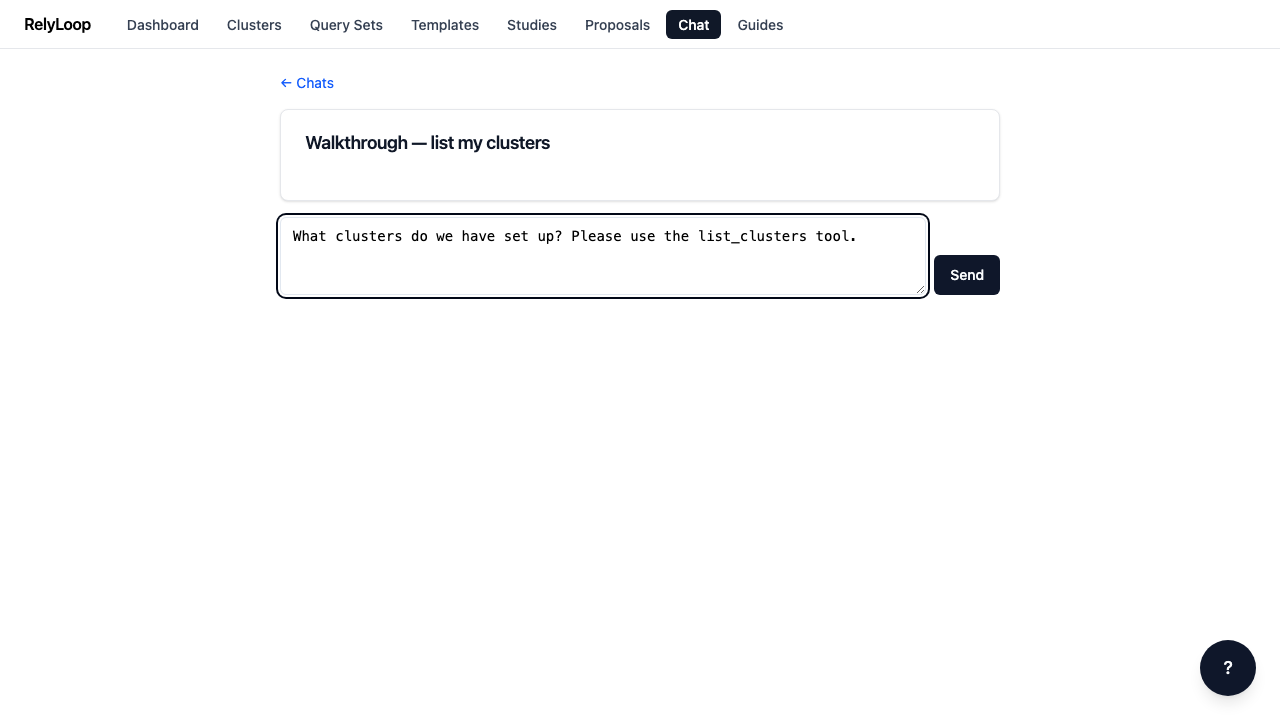
Step 2 — Type a clear, action-oriented prompt that reliably triggers…

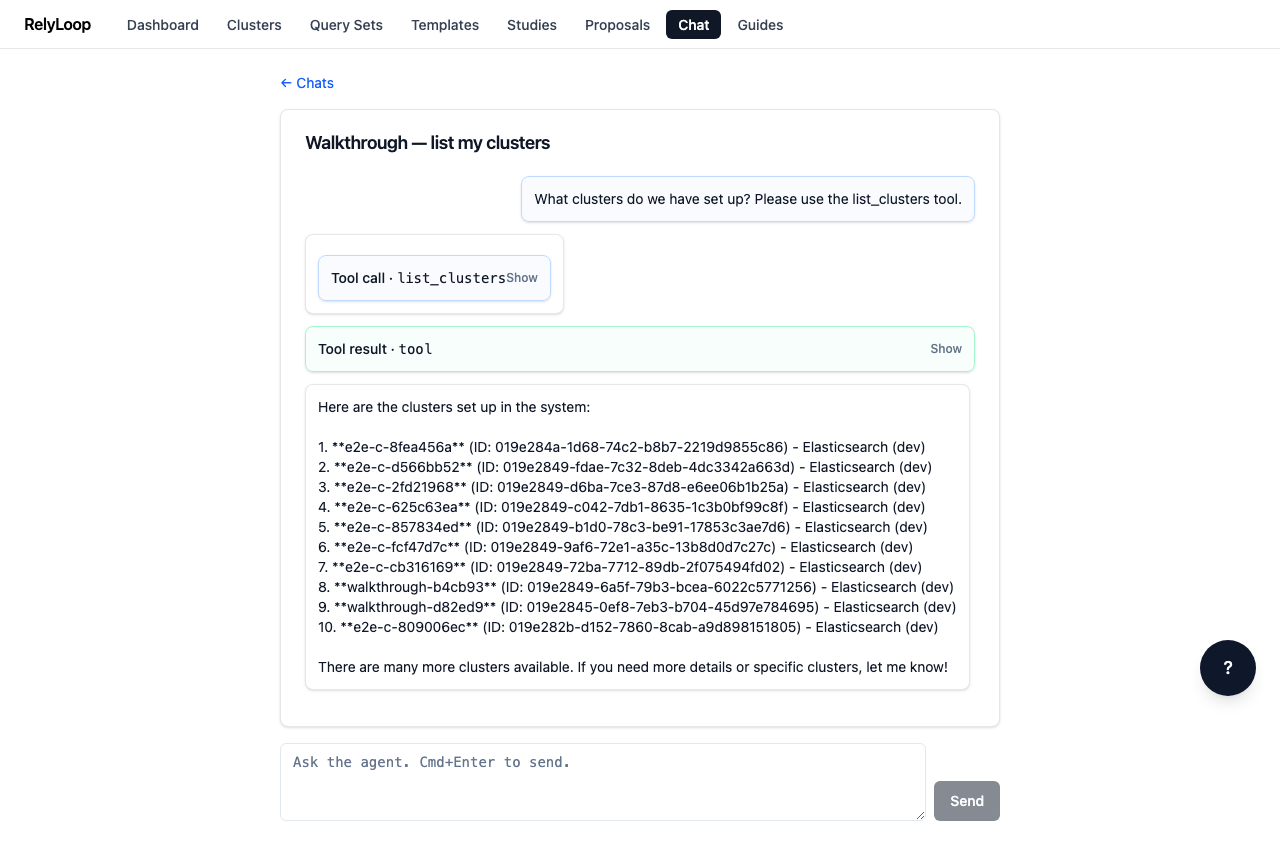
Type a clear, action-oriented prompt that reliably triggers a tool. 'What clusters do we have set up? Please use the list_clusters tool.' is deterministic — the agent's tool_choice='required' configuration forces a function call rather than a freeform answer.

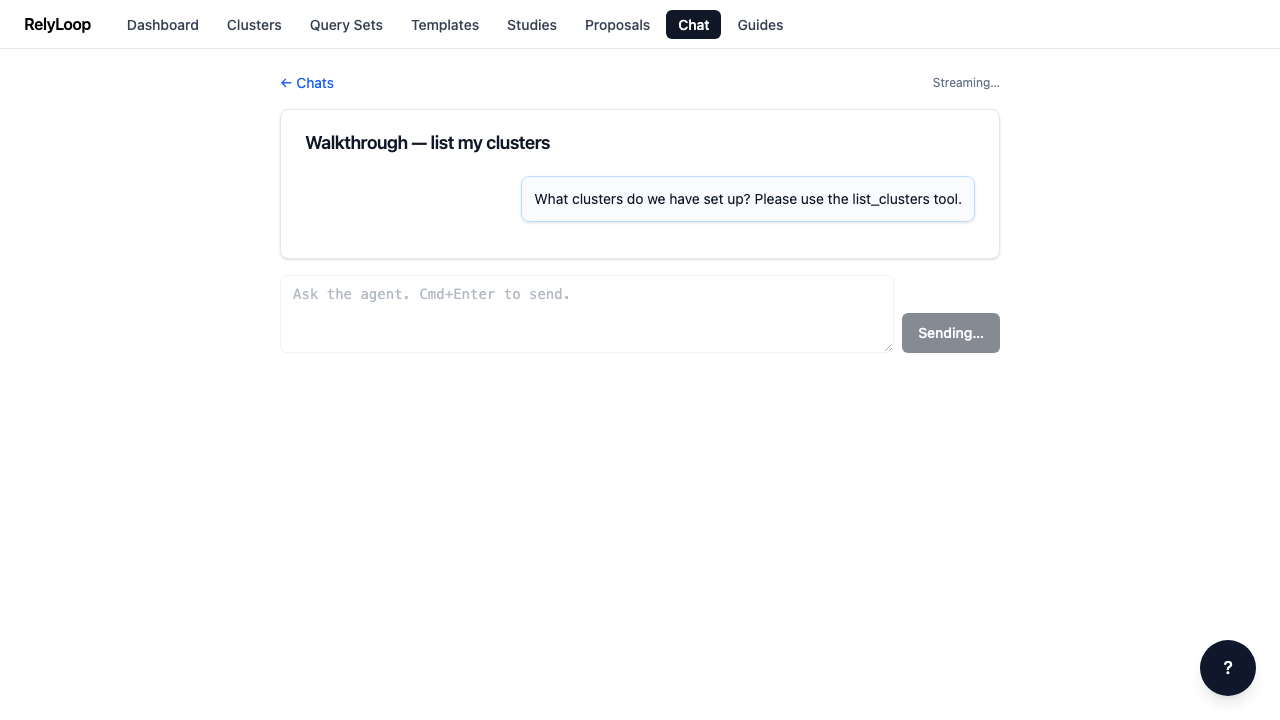
Step 3 — Send. Your message appears immediately as a user…

Send. Your message appears immediately as a user bubble. The composer disables while the SSE stream is in flight. The 'Send' button text flips to 'Sending…' until the 'done' event fires.

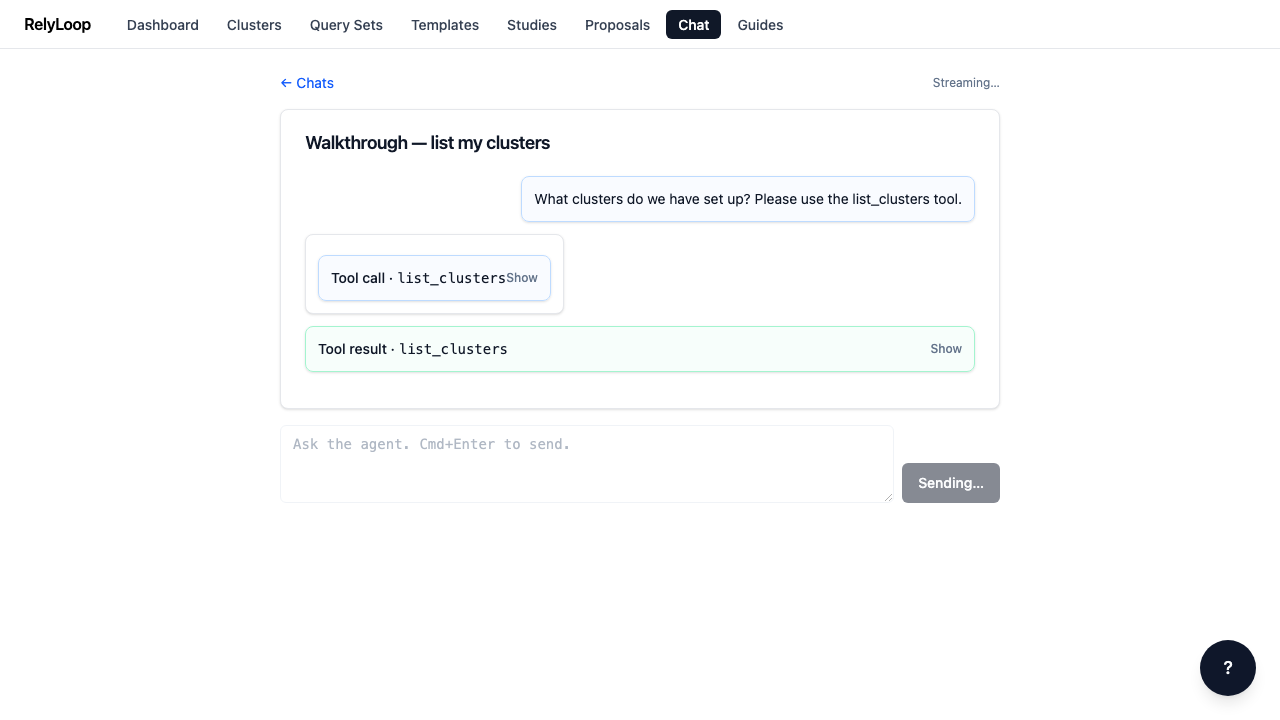
Step 4 — Within ~500ms the agent emits a tool_call SSE…

Within ~500ms the agent emits a tool_call SSE event. The blue tool-call card renders inline in the assistant's message — click the header to expand the arguments JSON. The corresponding tool_result card (success = green, error = red) appears once the tool returns. For list_clusters, this typically takes <200ms.

Step 5 — The agent reasons over the tool result and…

The agent reasons over the tool result and emits its final answer as token events that the frontend appends to the assistant bubble in real time. Once the SSE stream emits done, the composer re-enables, ready for the next turn. Total wall-clock for a single-tool turn is typically 8–12 seconds with gpt-4o. The agent has 19 tools available — list_clusters, get_schema, run_query, create_study, open_pr, and more; see docs/01_architecture/agent-tools.md for the full inventory.

← Back to walkthroughs