Skip to content

Chat shell — conversations + composer

About this walkthrough

Estimated time: 2 minutes Tags: chat, shell, conversations

Navigate the chat conversation list, start a new chat, and understand the secrets-warning banner. Message streaming with the agent is covered in guide 10.

Trouble playing? Download the walkthrough video.

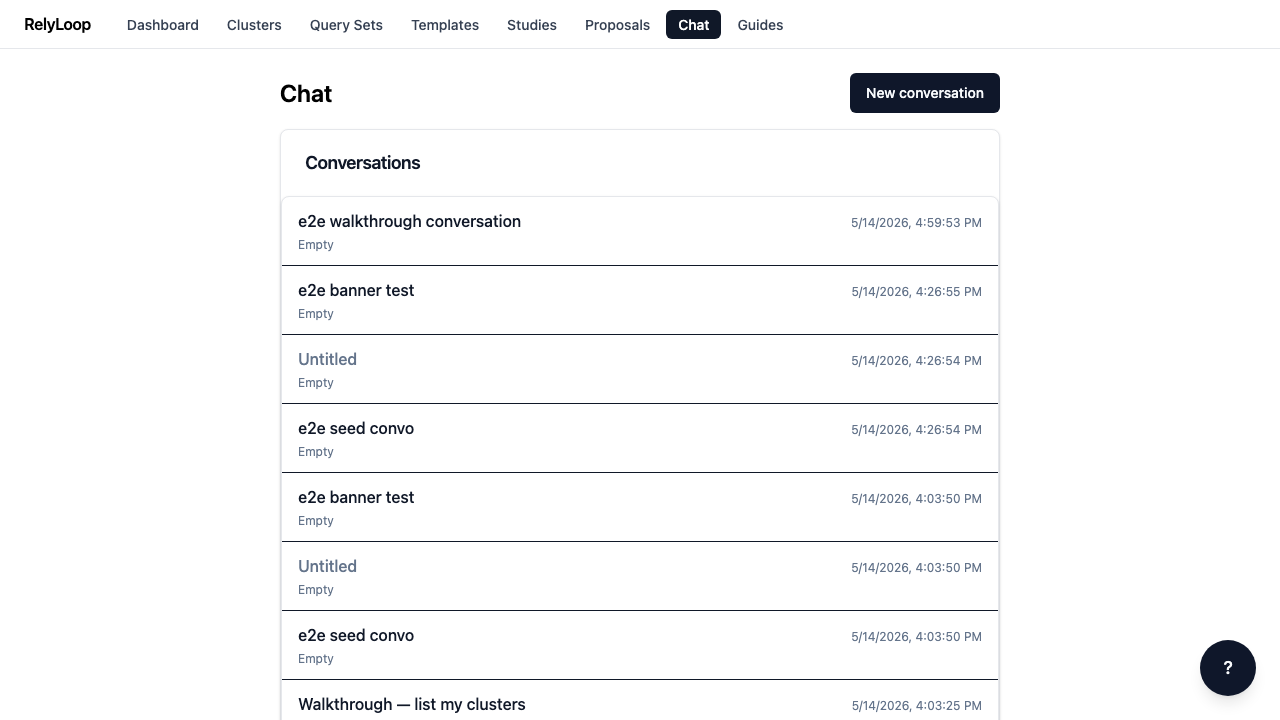
Step 1 — Open the Chat page. Past conversations are listed…

Open the Chat page. Past conversations are listed here with a preview of the last user/assistant message + the timestamp of the last activity (added by chore_chat_last_message_preview). The list survives stack restarts — conversations are persisted in Postgres.

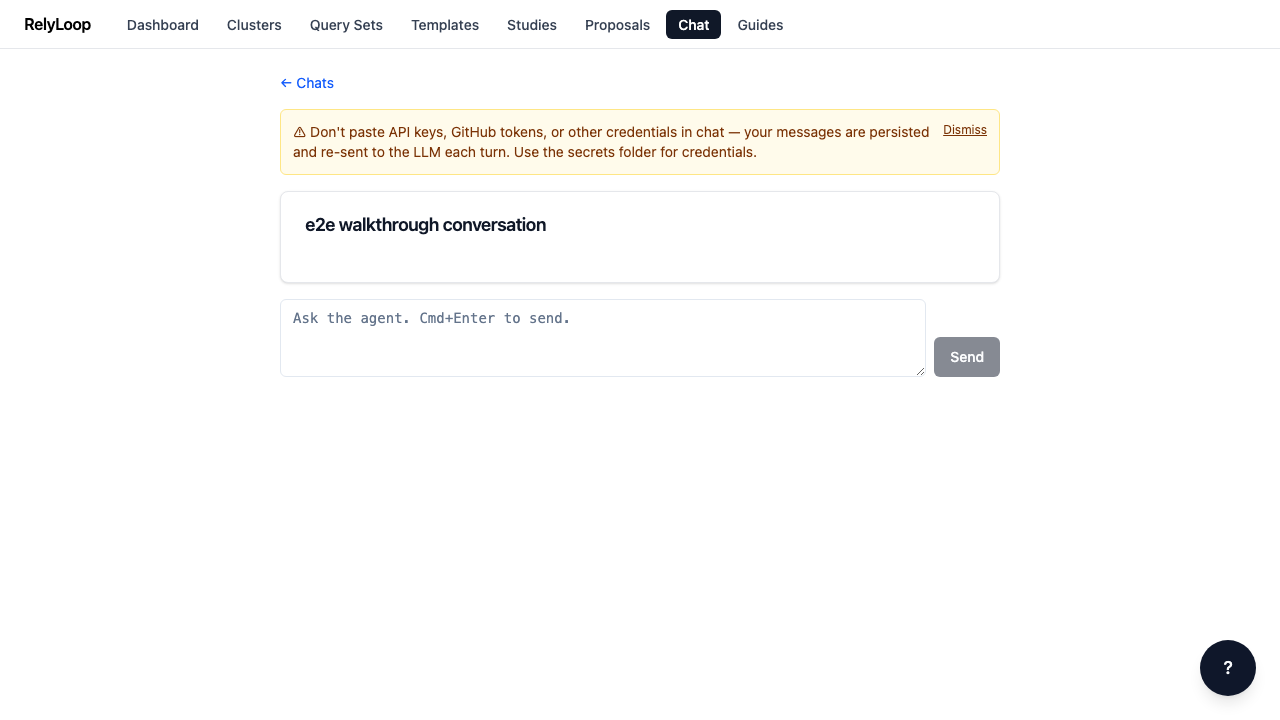
Step 2 — Click a past conversation to resume it. The…

Click a past conversation to resume it. The yellow secrets-warning banner is the first thing you see: 'Don't paste API keys, GitHub tokens, or other credentials in chat — messages are persisted and re-sent to the LLM each turn.' Take it seriously. The composer at the bottom is where you type new messages.

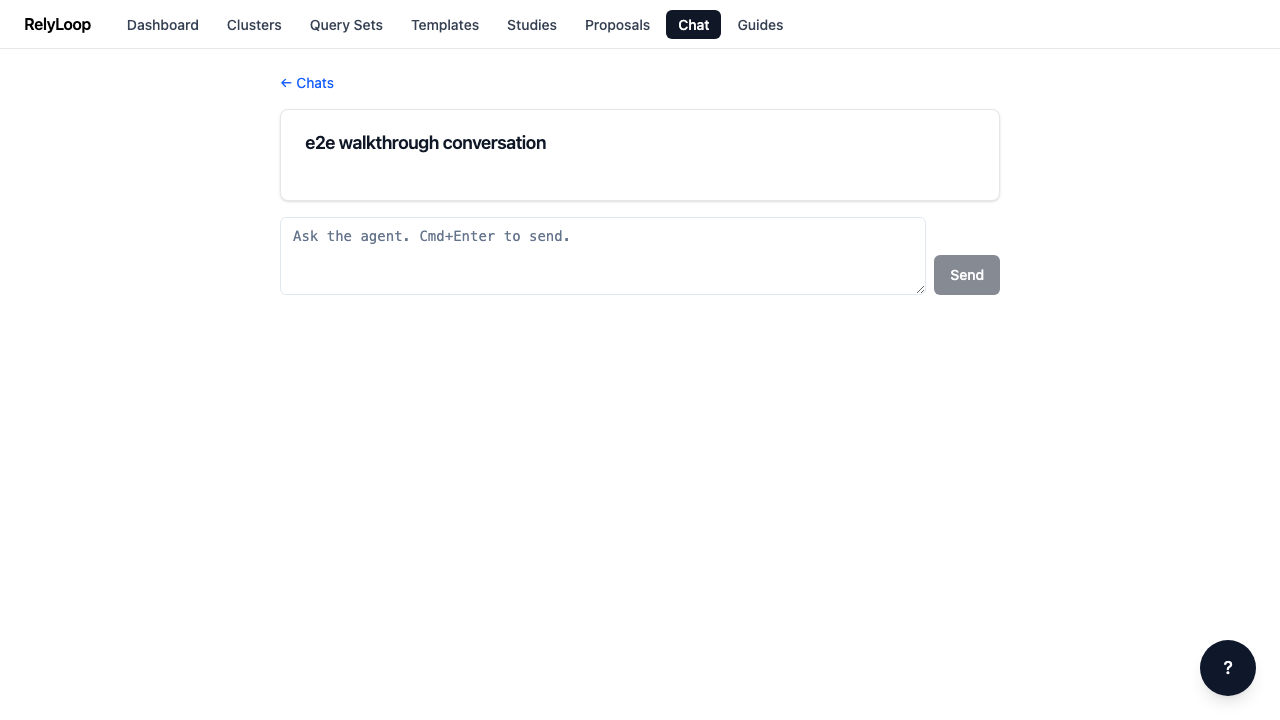
Step 3 — Dismiss the banner with the X button. The…

Dismiss the banner with the X button. The dismissal is per-session (session storage), so the warning reappears the next time the page is opened — credentials hygiene is too important to permanently hide.

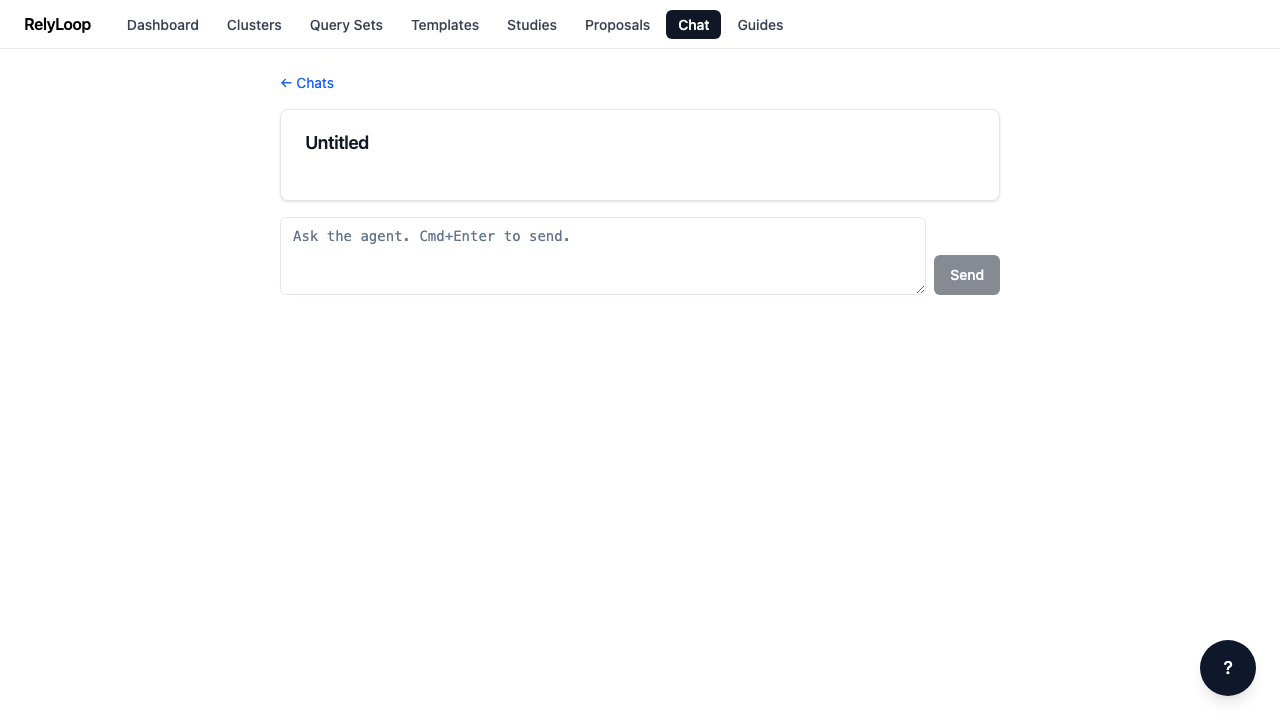
Step 4 — From the conversation list, click 'New conversation' to…

From the conversation list, click 'New conversation' to start fresh. RelyLoop creates a new conversation row + navigates to /chat/{id}. The composer mounts immediately, ready for your first message. The agent has tool-call access to introspect clusters, run ad-hoc queries, create studies, and open PRs — see the chat-agent runbook for the full tool inventory.

← Back to walkthroughs