Create a query set
About this walkthrough
Estimated time: 2 minutes Tags: query-sets, setup, benchmark
Define the benchmark queries you want to tune for — the stable list every study scores against.
Trouble playing? Download the walkthrough video.
Step 1 — Open the Query Sets page. A 'query set'…
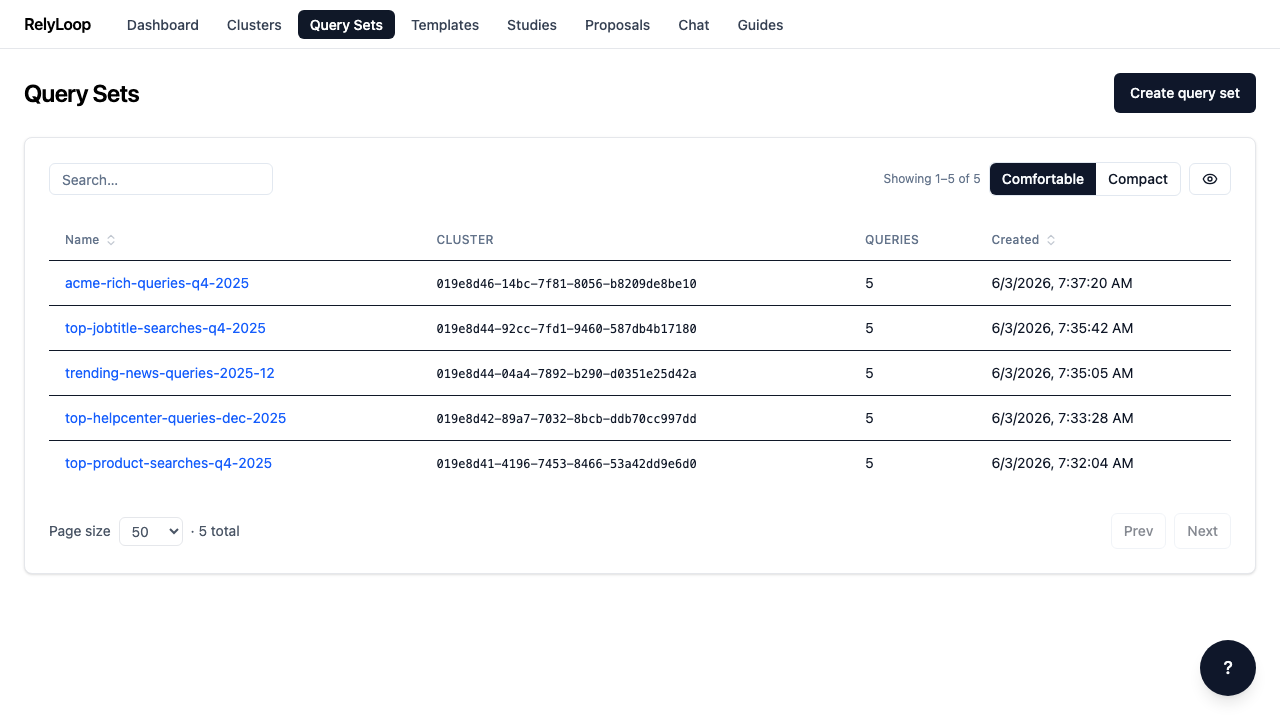
Step 2 — The modal expects three things: a name, a…
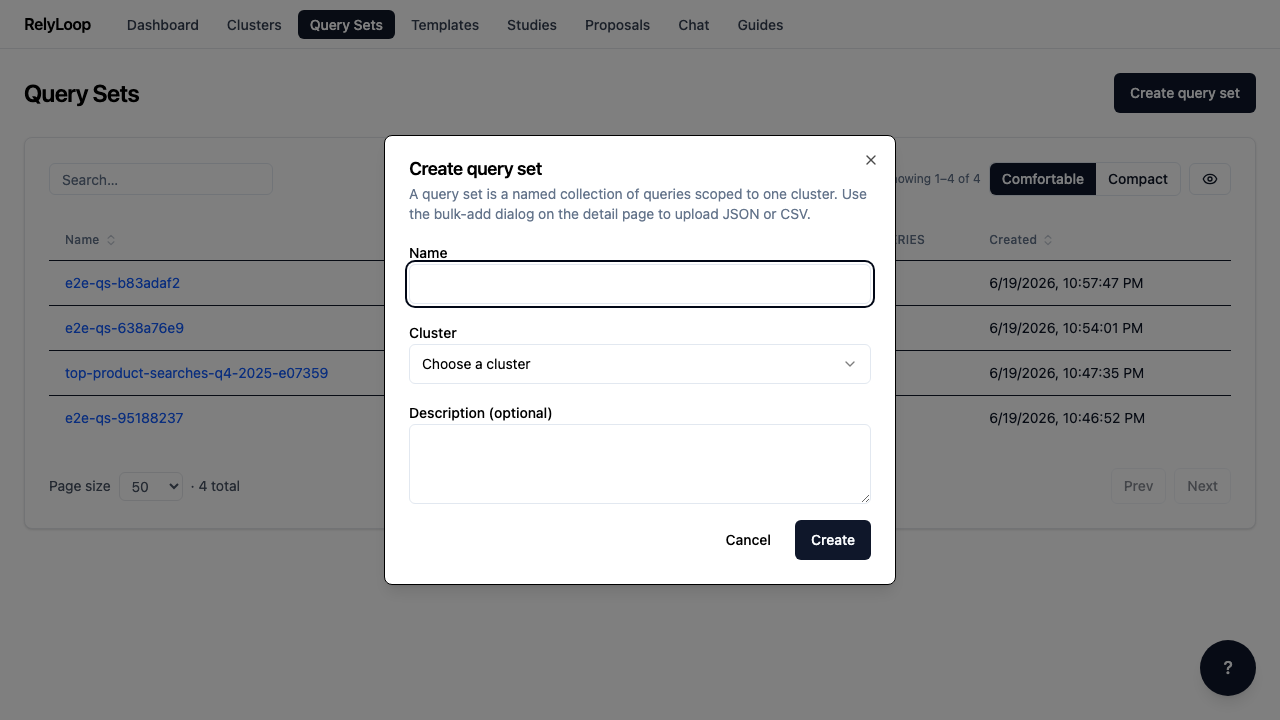
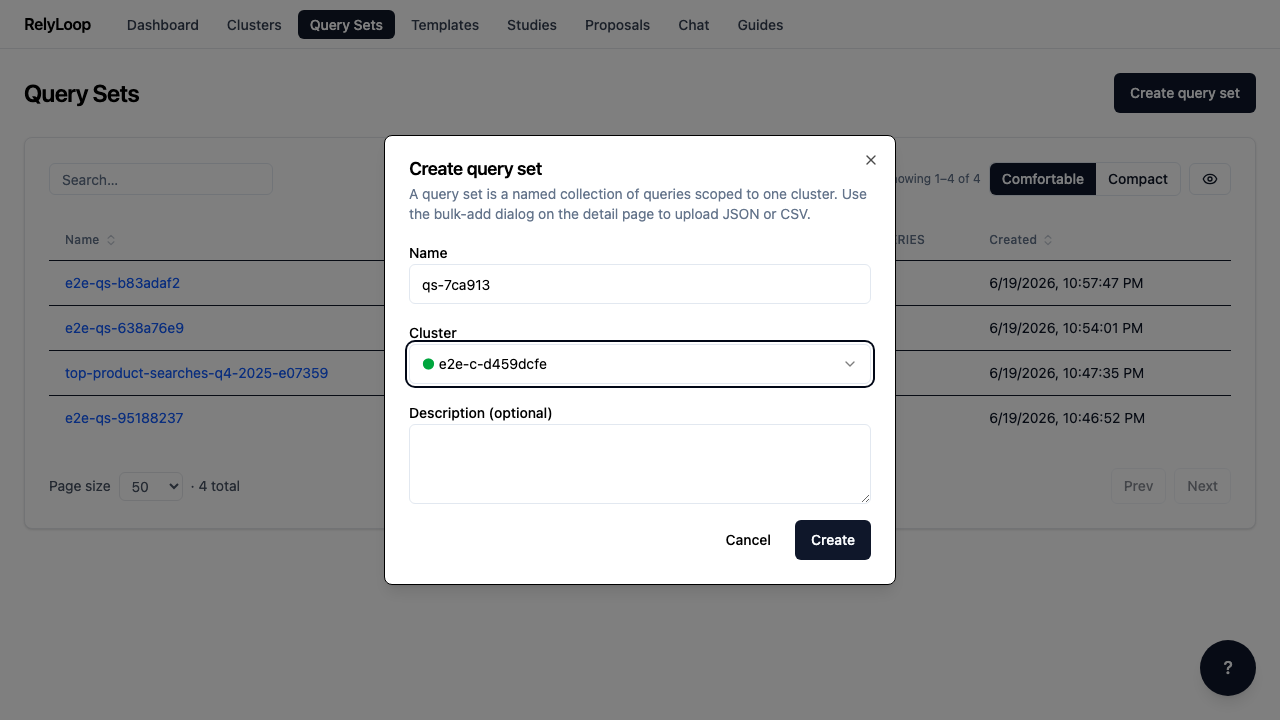
Step 3 — Enter the name and choose a cluster from…
Step 4 — After submit, the new query set lands in…
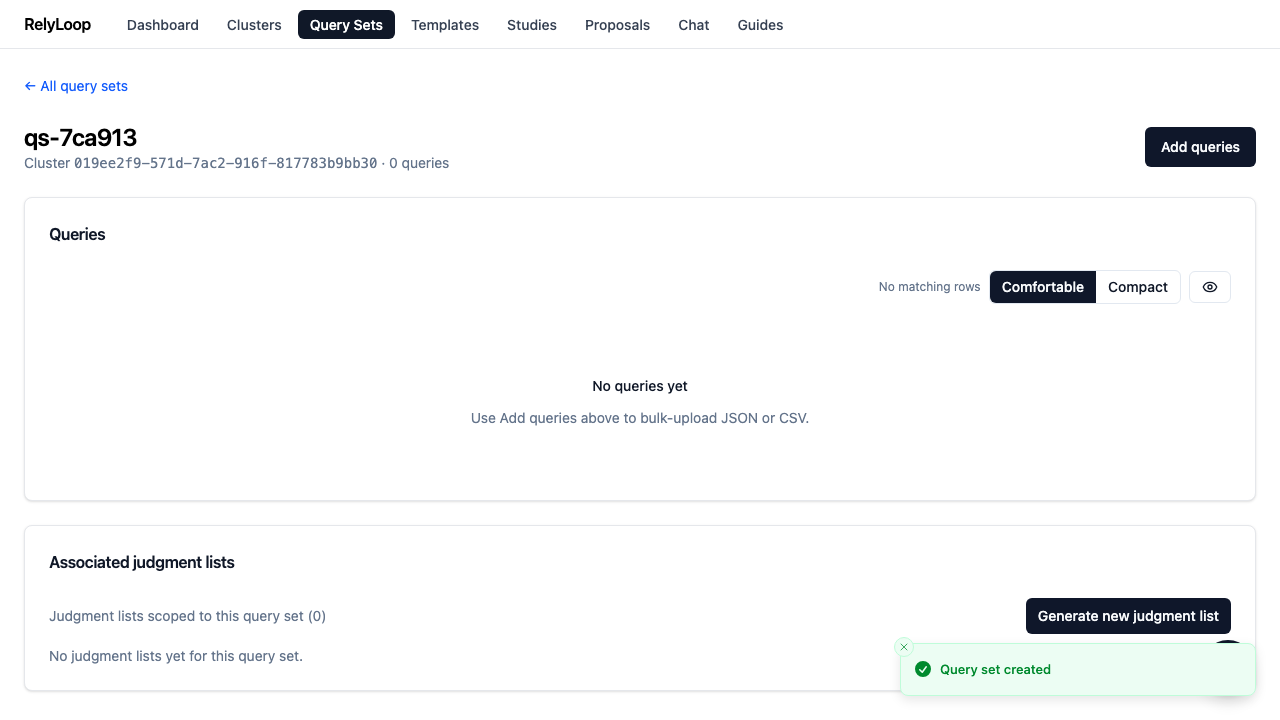
Step 5 — Click 'Add queries' to open the upload dialog.…
![Click 'Add queries' to open the upload dialog. RelyLoop accepts JSON (an array of {query_text, reference_answer?, query_metadata?} objects) OR CSV with query_text[,reference_answer,metadata] columns. Queries are validated, bulk-inserted, and assigned UUIDv7 IDs.](../../../assets/guides/04_create_query_set/05-add-queries-dialog.png)