Browse proposals
About this walkthrough
Estimated time: 2 minutes Tags: proposals, filters, queue-management
Filter the proposal queue by status, source, and cluster — three-axis URL-backed filtering with 30-second pulse-refetch when PRs are open.
Trouble playing? Download the walkthrough video.
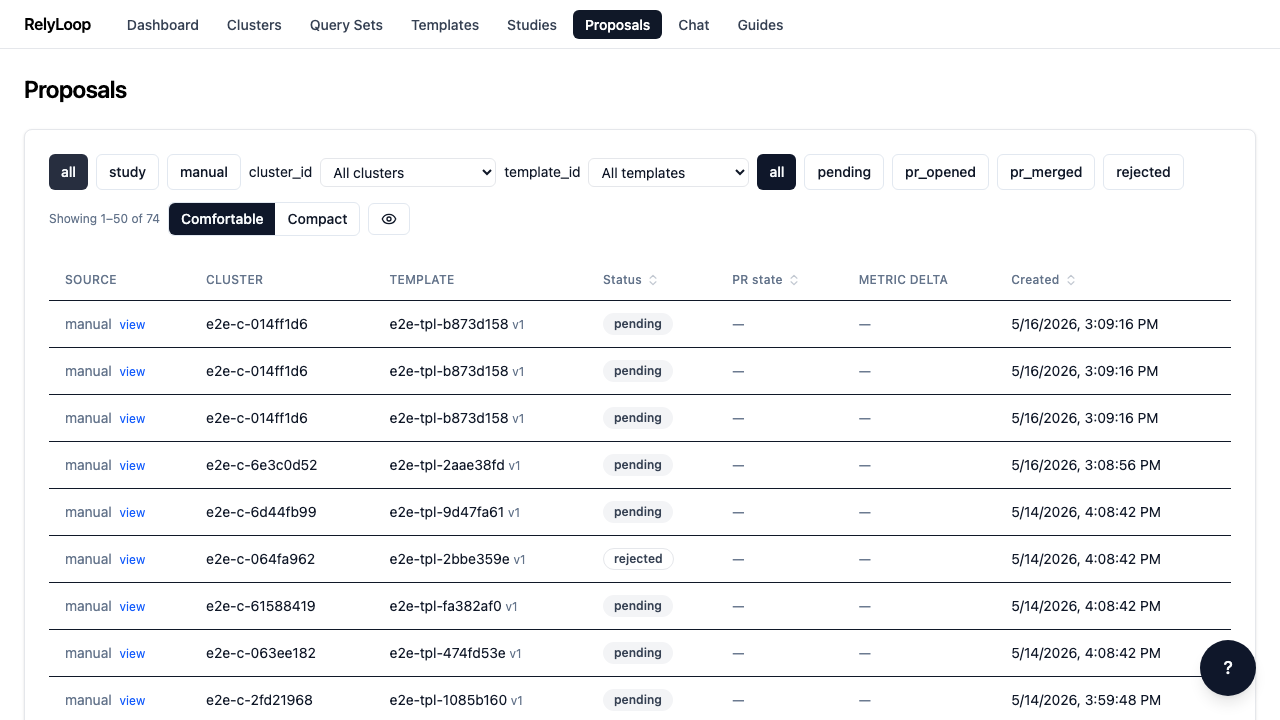
Step 1 — Open the Proposals page. Every winning study config…
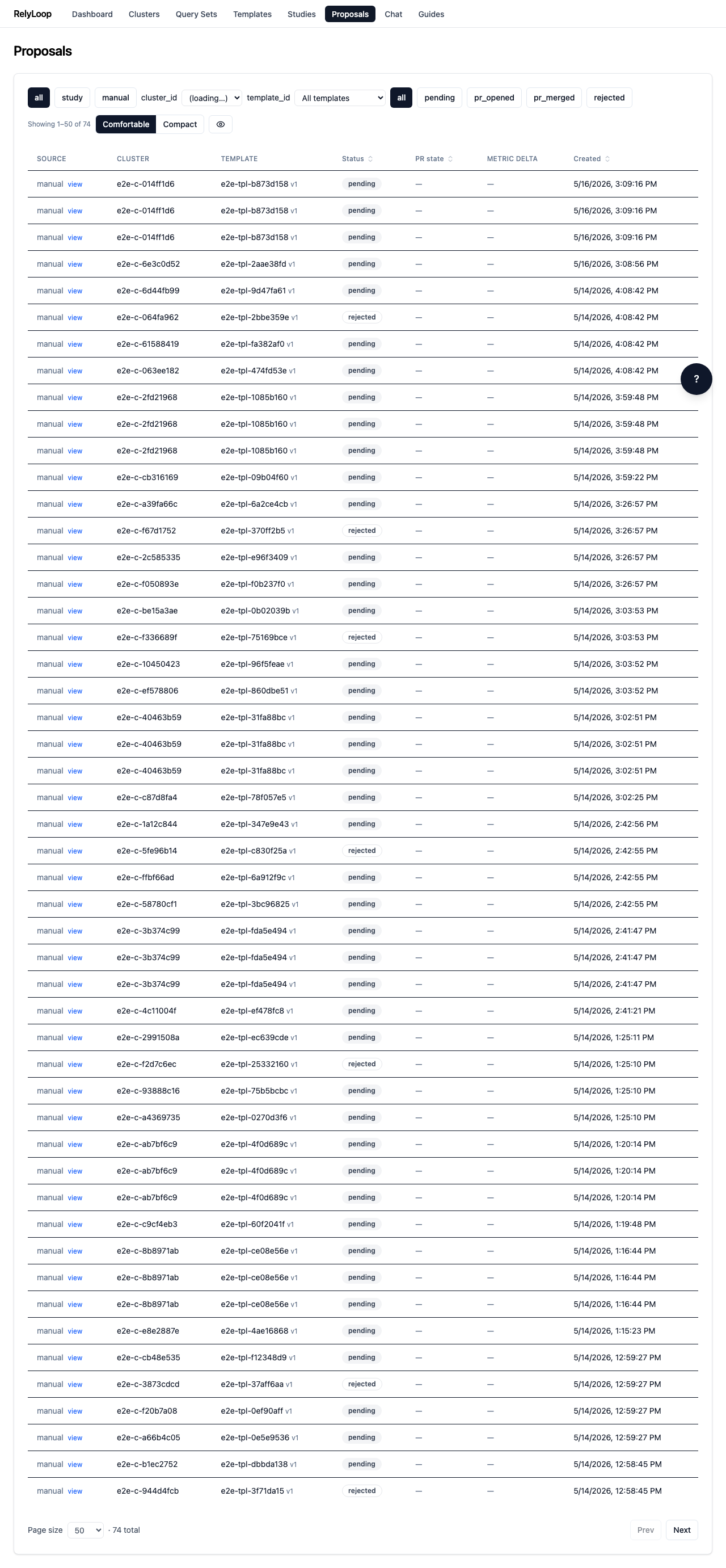
Step 2 — Click the 'pending' status chip. URL updates to…
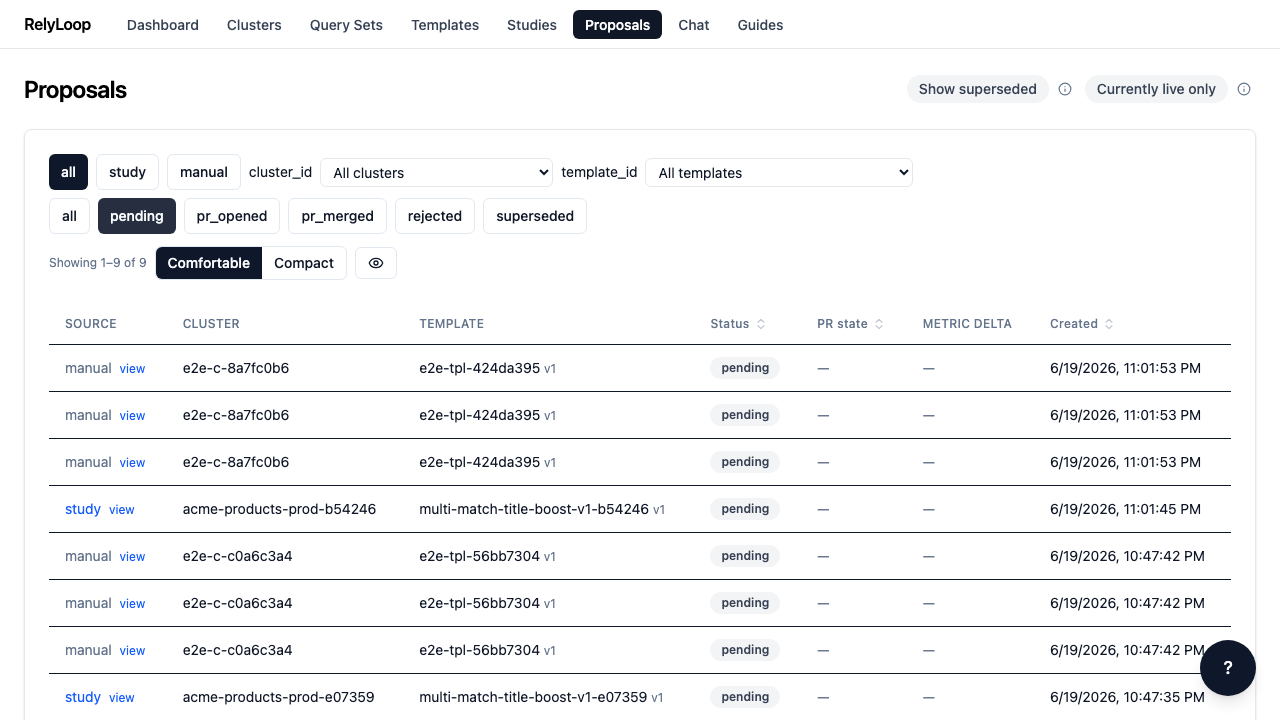
Step 3 — Source filter chips narrow by proposal origin: study_triggered…
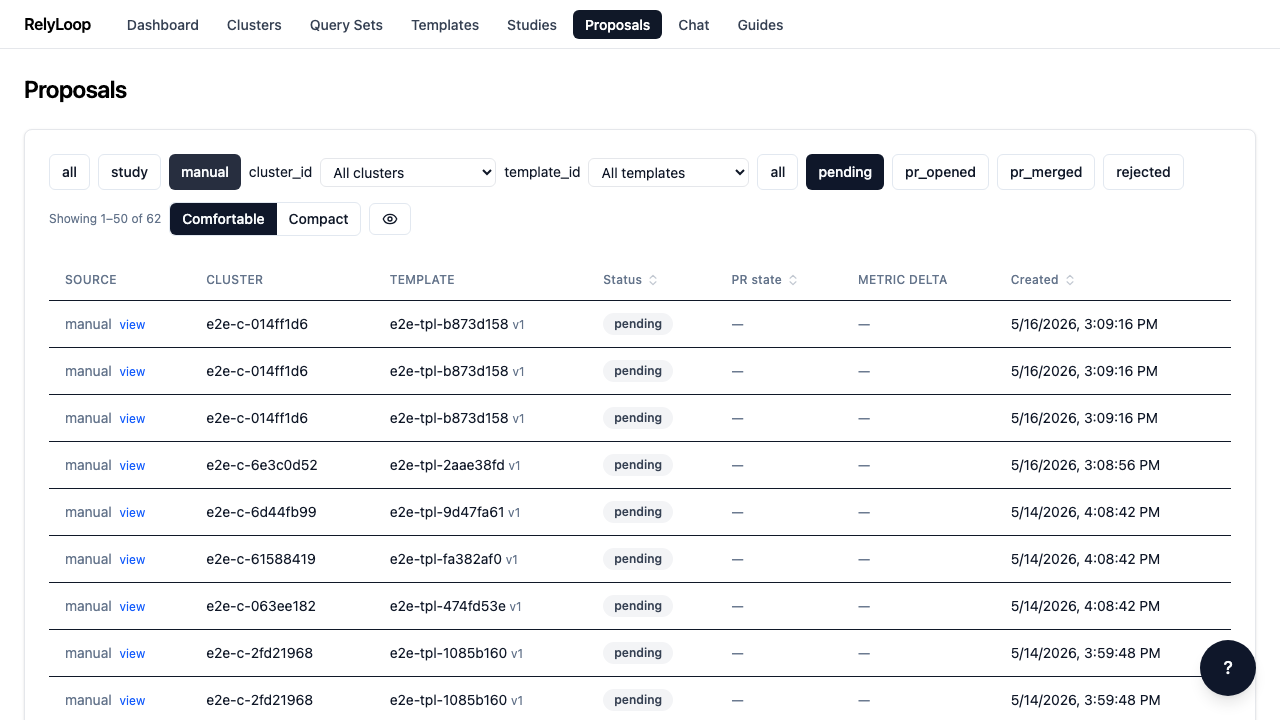
Step 4 — The cluster filter dropdown narrows the queue to…
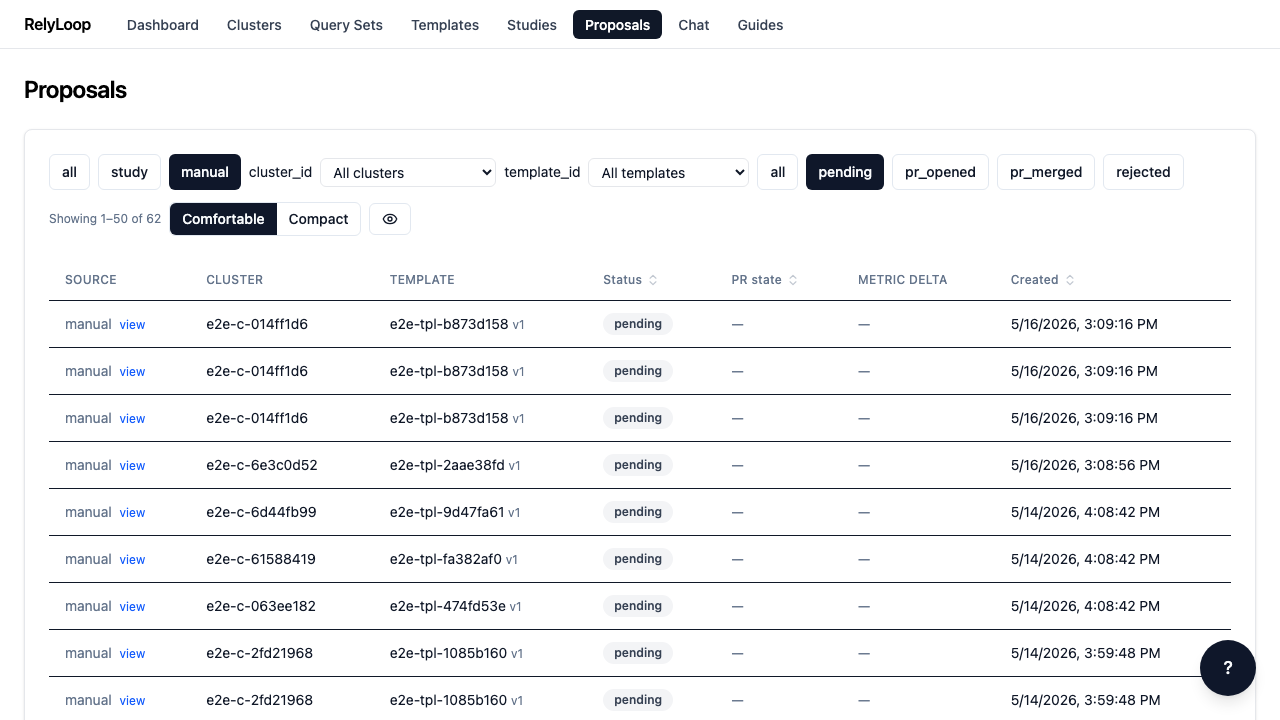
Step 5 — Reset filters by clicking 'all' chips. The empty-state…